
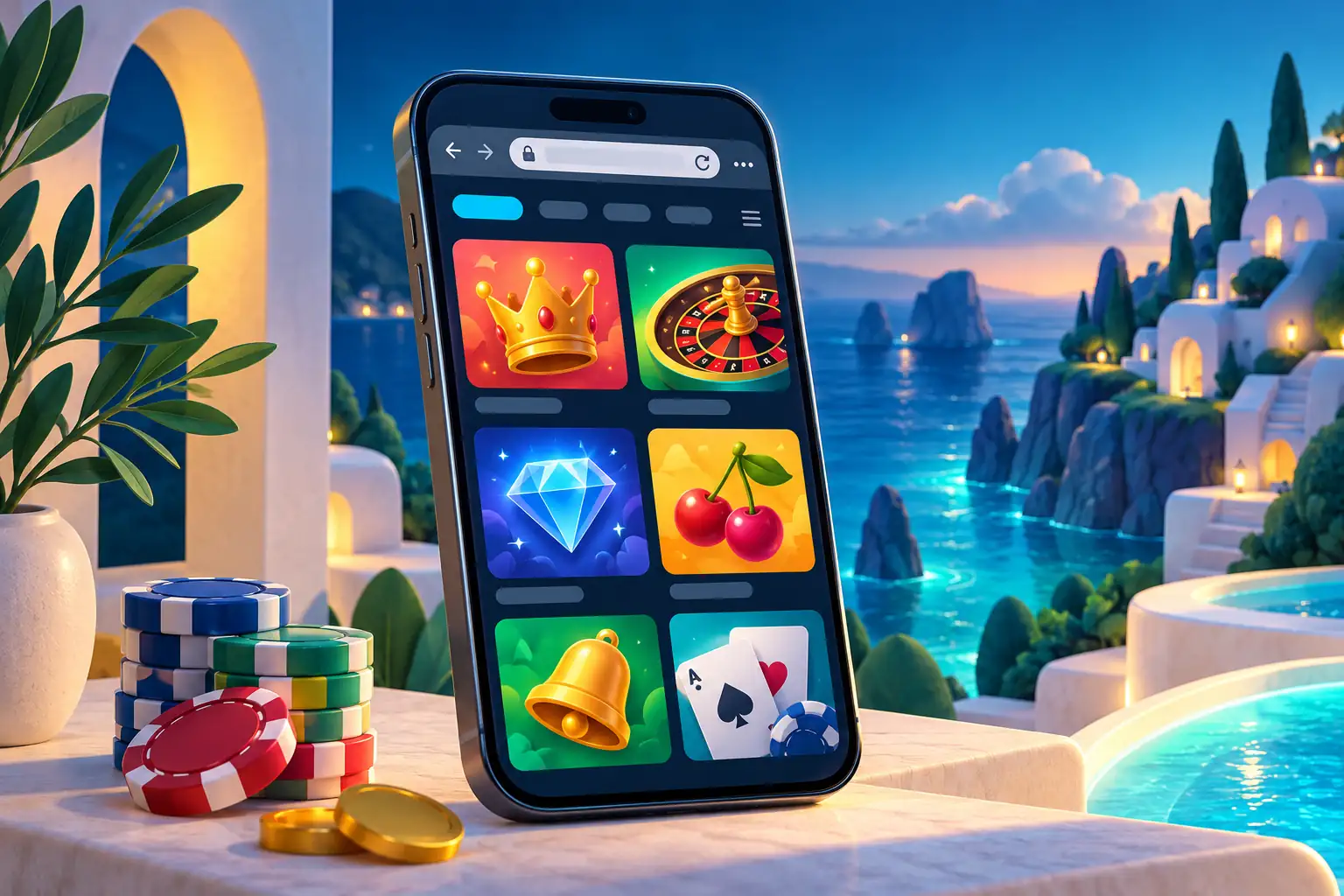
Playfrank App for UK Players
Playfrank app access works through any smartphone or tablet browser — there is no native application available for download on Android or iOS. Opening playfrank-gb.casino in a mobile browser delivers the complete casino experience including the full game library, cashier, account settings, and responsible gambling tools without any installation step. Play Frank Casino is designed so that UK players do not need to visit an app store or manage updates to access the site on mobile.
Opening the Casino in a Mobile Browser
A Playfrank app shortcut opens a browser page and does not install a native casino application. Playfrank Casino provides the main overview of games, bonuses and account access.
The casino operates as a browser-based platform on mobile. The site uses responsive design, meaning the layout adjusts automatically to fit the screen dimensions of your phone or tablet. No plugin, software, or additional download is required — simply open the site in your preferred browser.
- iOS (iPhone, iPad) — open playfrank-gb.casino in Safari or Chrome; no App Store download needed
- Android (phones and tablets) — open the site in Chrome or any other Android browser; no Google Play download needed
- Tablets — the layout scales to tablet screens and works in both portrait and landscape orientation
The Playfrank app guide does not classify browser access as an app that you install. If you want quick access, save the site to your device's home screen — on iOS, tap the Share icon and select "Add to Home Screen"; on Android, tap the browser menu and choose "Add to Home Screen". This creates a shortcut icon that opens the site in one tap.
What You Can Do on a Phone
The Playfrank casino app topic covers browser access and device features.
The mobile browser supports the same account. Games, payments and settings share one layout. A shortcut opens the website rather than installing an app.
| Feature | Available on Mobile? |
|---|---|
| Slot games (2,645+) | Yes — full library |
| Live casino tables | Yes — streams in real time |
| Progressive jackpot slots | Yes |
| Deposits and withdrawals | Yes — full cashier access |
| Welcome bonus activation | Yes |
| Account settings and limits | Yes |
| Responsible gambling tools | Yes |
| Customer support (live chat) | Yes |
Connection Quality and Game Loading
For Playfrank app browser sessions, reconnect before submitting another action after a network interruption.
Slots and RNG table games load smoothly on standard UK mobile connections. A 4G or Wi-Fi connection is sufficient for most games in Playfrank Casino catalogue. Live dealer tables stream video in real time and benefit from a stable connection — Wi-Fi is recommended for extended live casino sessions to avoid buffering. The mobile site does not require a high-spec device; standard smartphones released in the last four to five years handle the site without performance issues.
Signing In to Playfrank on Mobile
Use the same account credentials for Playfrank app browser access on a trusted device.
Playfrank Casino page on mobile uses the same email-and-password credentials as the desktop version. There is no separate mobile login — your account is the same across all devices. New players can complete registration, set deposit limits, verify their email, and make a first deposit entirely from a mobile browser without touching a computer.
- Log in with your registered email and password from the mobile site header
- Use your browser's saved password function for faster access on return visits
- Add the site to your home screen for one-tap entry without opening the full browser
Using the Cashier on Mobile
The Playfrank app browser view should show the payment method and currency before a transaction is confirmed.
The full cashier is available on mobile. All supported payment methods — Visa Debit, Mastercard Debit, PayPal, Skrill, Neteller, Paysafecard, and bank transfer — work through the mobile browser. Deposits are processed instantly for card and e-wallet methods. Withdrawals follow the same processing times as the desktop site: 0–2 business days for e-wallets, 3–6 days for debit cards.
Managing Limits During Mobile Play
During Playfrank app browser sessions, keep time and spending limits visible.
All responsible gambling features are accessible from the mobile browser. Deposit limits, session time limits, self-exclusion, and GamStop registration links are all available in the account settings menu on mobile. If you need to set a limit or take a break, you do not need a computer — the tools work in full from your phone. 18+. T&Cs apply. Please gamble responsibly. BeGambleAware.org.
Mobile Access Questions
The answers below explain Playfrank app access, home-screen shortcuts and mobile payments.
Does Playfrank have a mobile app to download?
No. The casino does not offer a downloadable app for Android or iOS. The full site — including all 2,675+ games, the cashier, and account tools — is available directly through any mobile browser without installation.
How do I access Playfrank Casino on my phone?
Open the casino-gb.casino in your mobile browser (Safari on iOS, Chrome on Android). Log in with your existing account credentials or register a new account directly from the mobile browser. No app store visit or download is required.
Is the Playfrank mobile site different from the desktop version?
The same account, games, and features are available on both. The mobile browser layout adjusts to fit your screen size. No games or account functions are locked to desktop — the full library of 2,675+ titles, the cashier, and all responsible gambling tools work on mobile.
Can I add Playfrank to my home screen?
Yes. On iOS, tap the Share icon in Safari and select "Add to Home Screen." On Android, tap the Chrome menu (three dots) and choose "Add to Home Screen." This creates an icon on your phone that opens the casino directly without navigating through the browser each time.
Can I make deposits and withdrawals from the Playfrank mobile site?
Yes. The full cashier is accessible on mobile. Visa Debit, Mastercard Debit, PayPal, Skrill, Neteller, Paysafecard, and bank transfer all work through the mobile browser. Deposit and withdrawal limits and processing times are identical to the desktop version.